Step 2: MXF File Download
In this step it will walk you through downloading the new Sony XDCAM media file you just created through the AWS Elemental MediaConvert lab.
Step-by-step Instructions
- In the search box, type S3
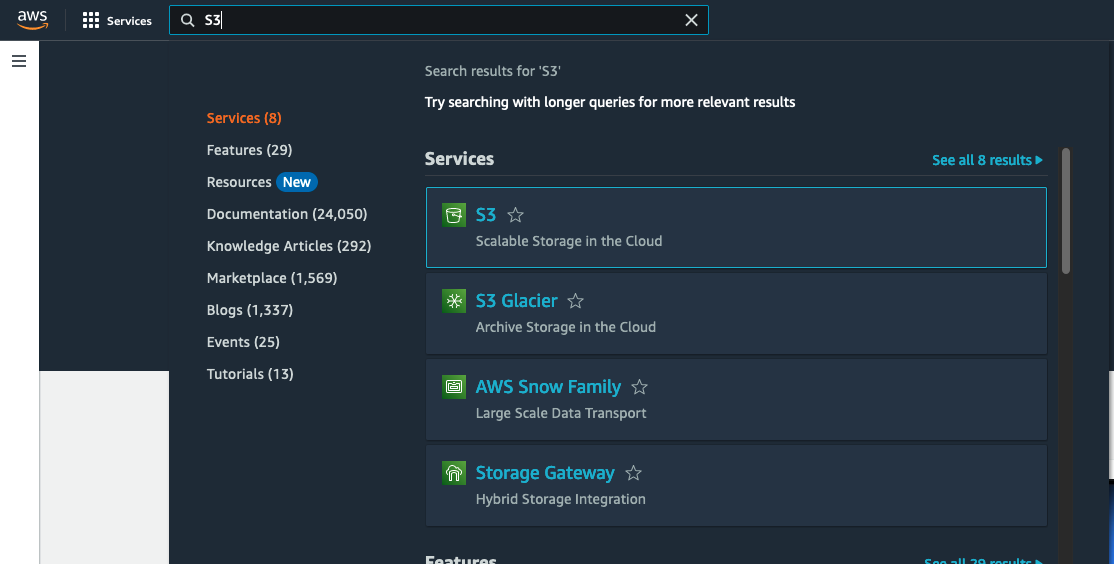
-
Click the S3 icon to go to the Amazon S3 console page.
-
You will now see a list of all your S3 buckets you have created. Click on your alias-mxf-output-date bucket you created earlier. This will take you to the contents of of the bucket.
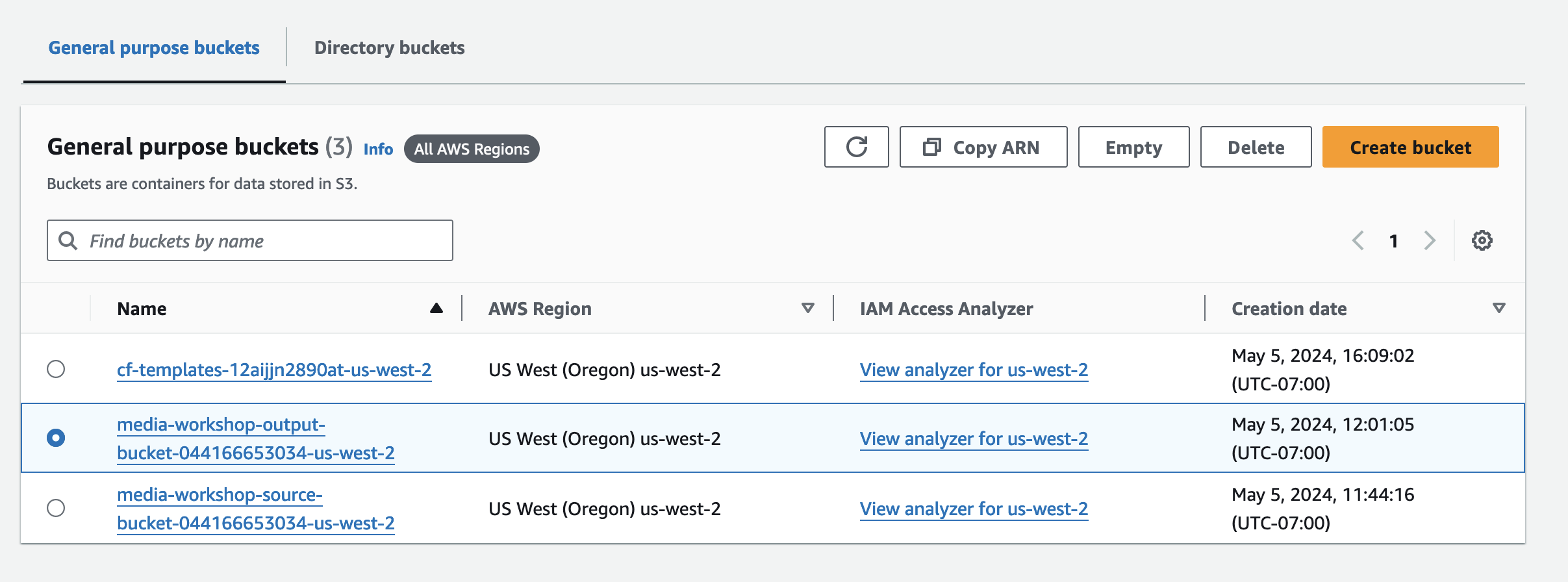
- Now you can select your MXF output file.
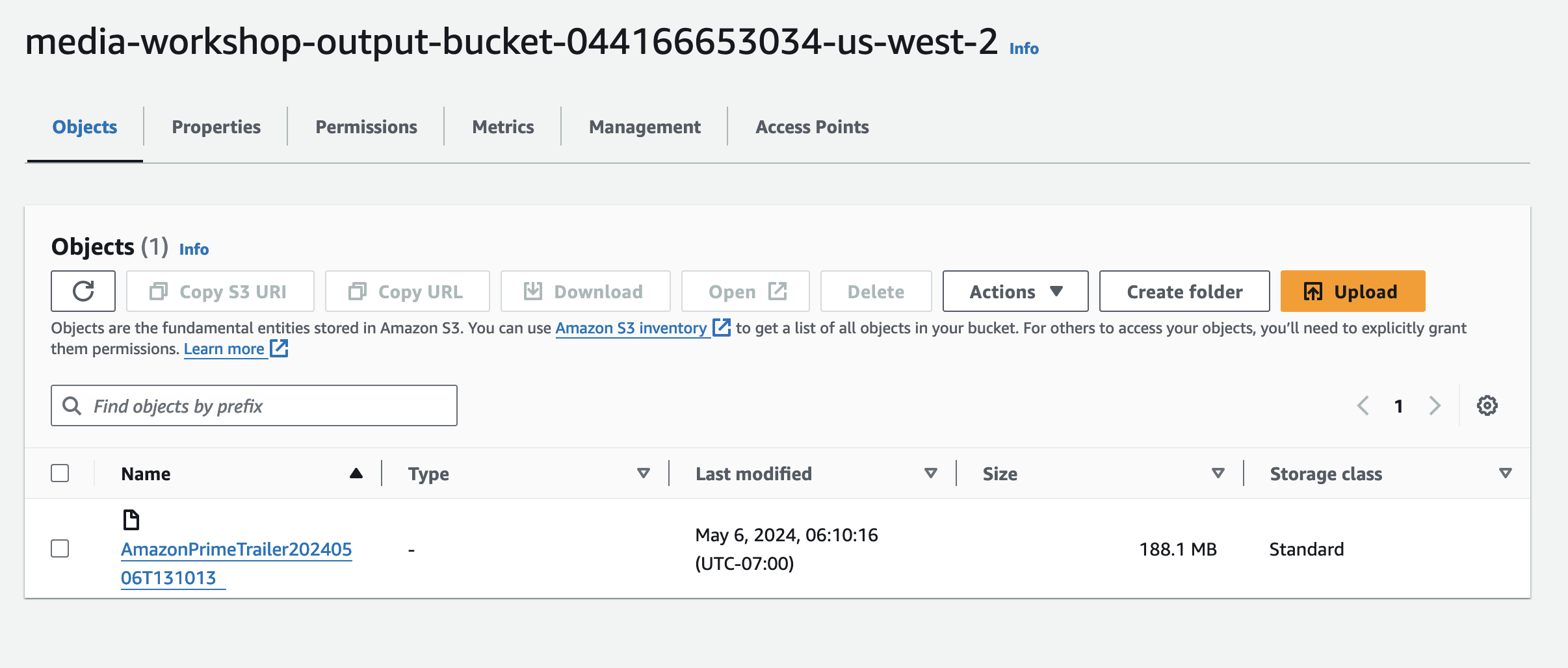
- Once the MXF file has been selected go to the top bar and click on the Download button.

- This will download the MXF file to your computer for local playback.