Step 2: Setting Up Output Bucket
The last Amazon S3 bucket we need to setup is a output bucket for the Media Transcoding Lab. This bucket will be the output destination for the encode profile built during that lab exercise.
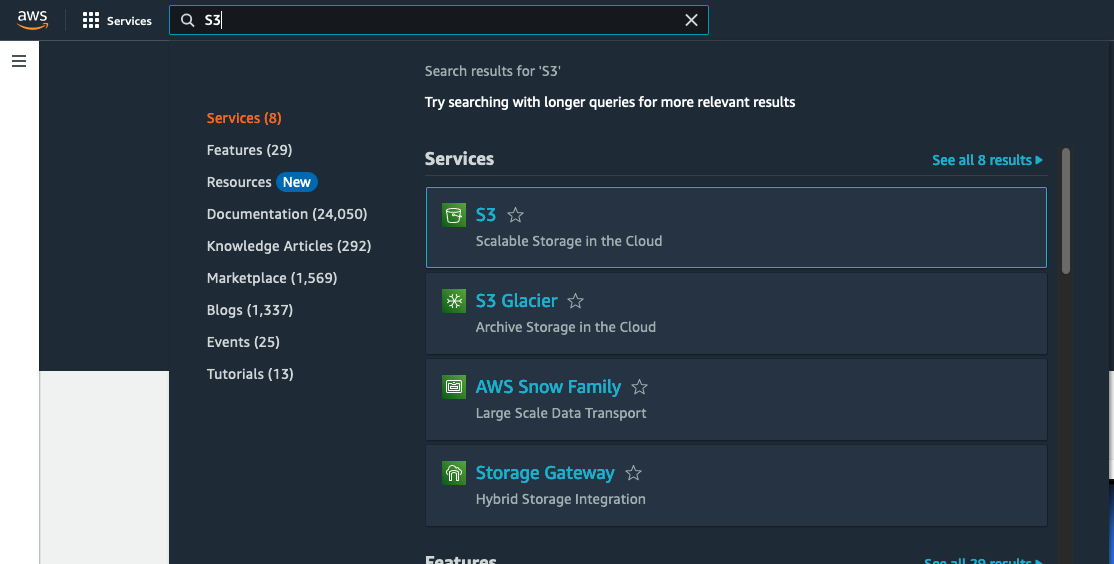
- In the search box, type S3
-
Click the S3 icon to go to the Amazon S3 console page.
-
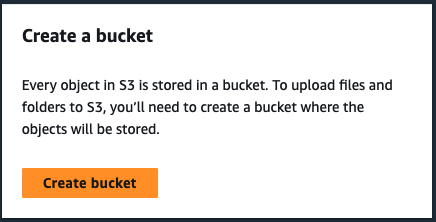
Click the Create Bucket button
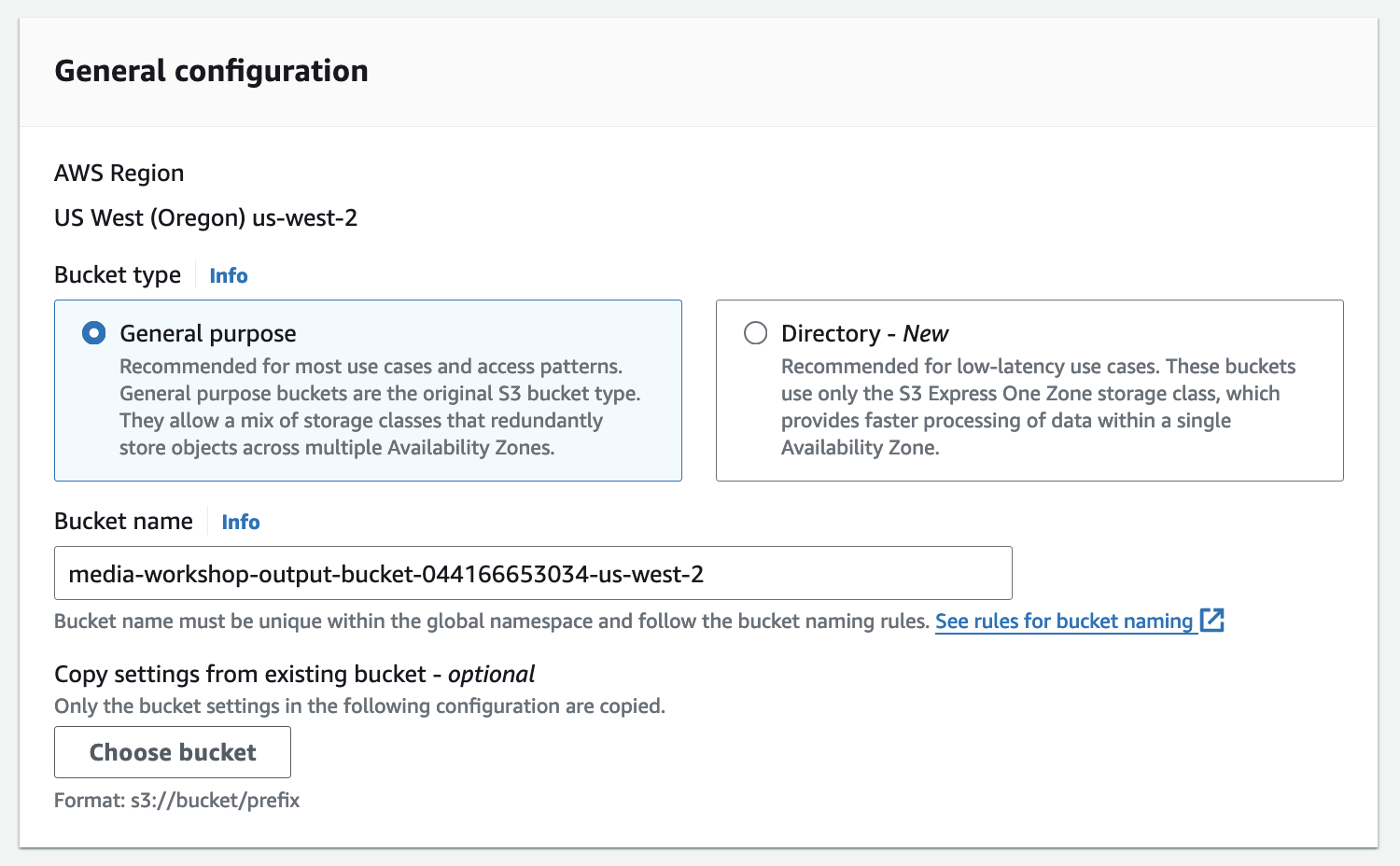
- Give a name to the bucket.
Note
S3 Bucket names must be globally unique, so name your bucket name “media-workshop-output-bucket-” and append your account number and region to create a unique bucket name (media-workshop-output-bucket-{account-number}-{region} (i.e media-workshop-output-bucket-12345789012-us-west-2).

- Leave all other setting as Default and Scroll down to find the button Create Bucket. Click the button.
- The bucket will be created.