Step 5: Setting Up IAM Role for MediaConnect
Before starting the labs, we need to create an IAM Role for MediaConnect so it can create ENIs (Elastic Network Interfaces) in order to communicate privately with other resources in our VPC.
In contrast to the last step, we will use CloudFormation to create this role based on a CloudFormation template.
Download the following file: MediaConnectServiceRoleStack.yaml .
-
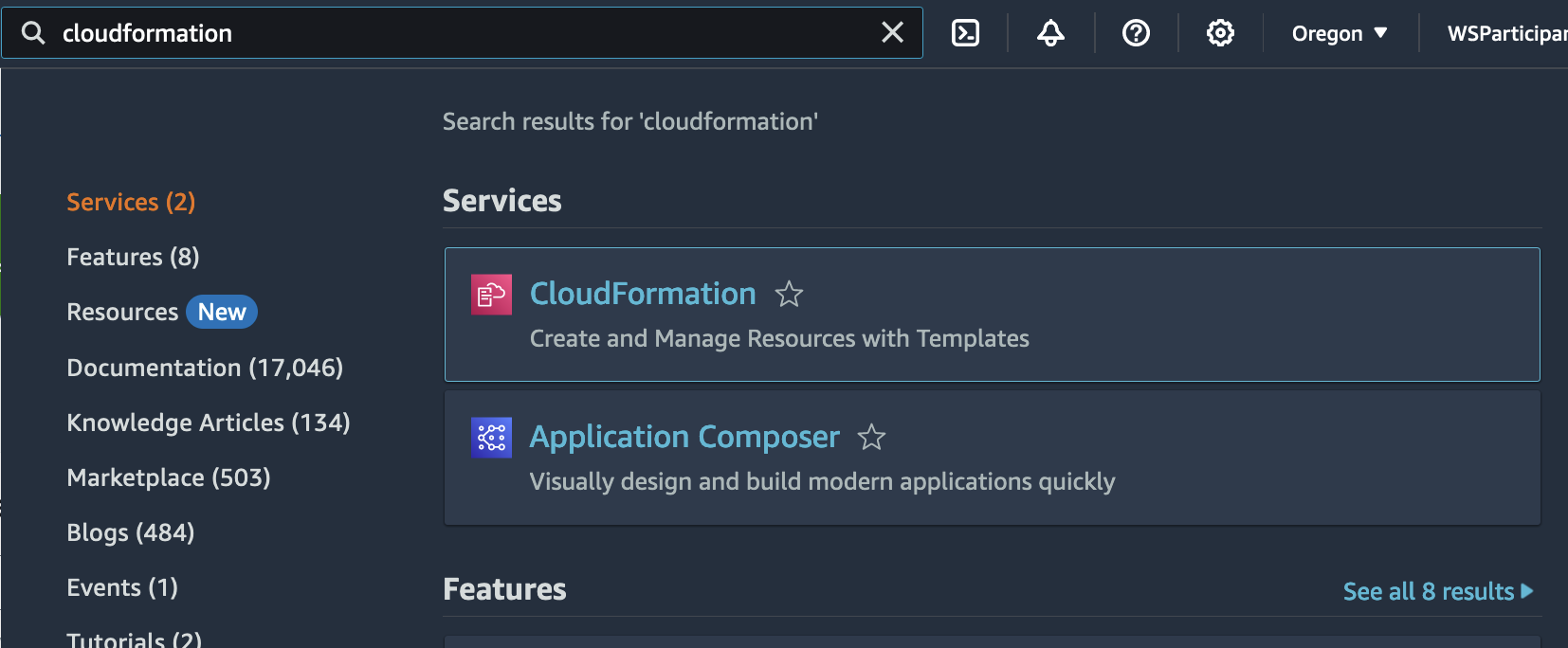
In the search box, type CloudFormation.
Click the CloudFormation icon to go to the AWS CloudFormation service page.
-
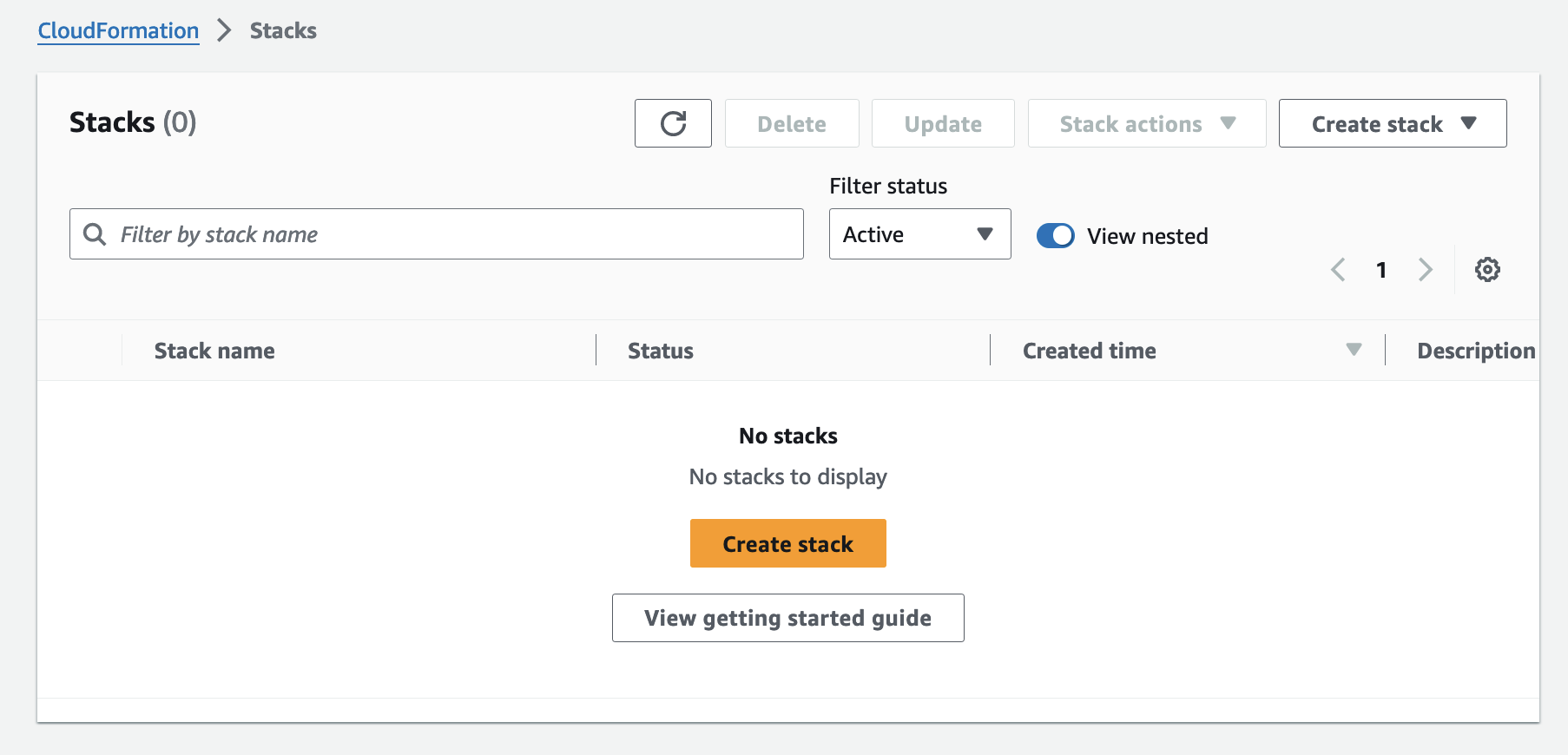
Click on Create stack.
-
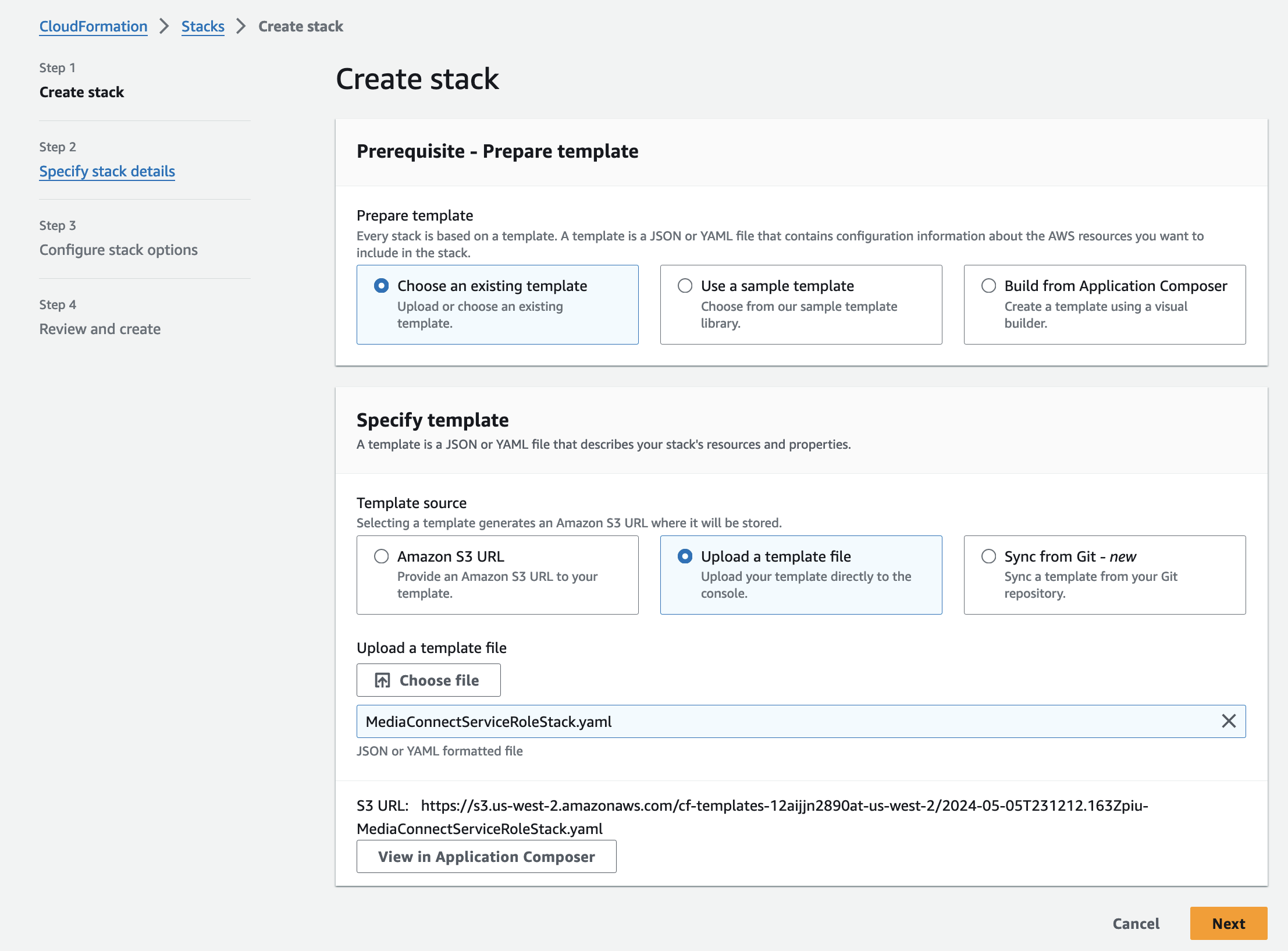
Click on Upload a template file and select the previously downloaded file.
-
For Stack name, type in
MediaConnectServiceRoleStackand click Next.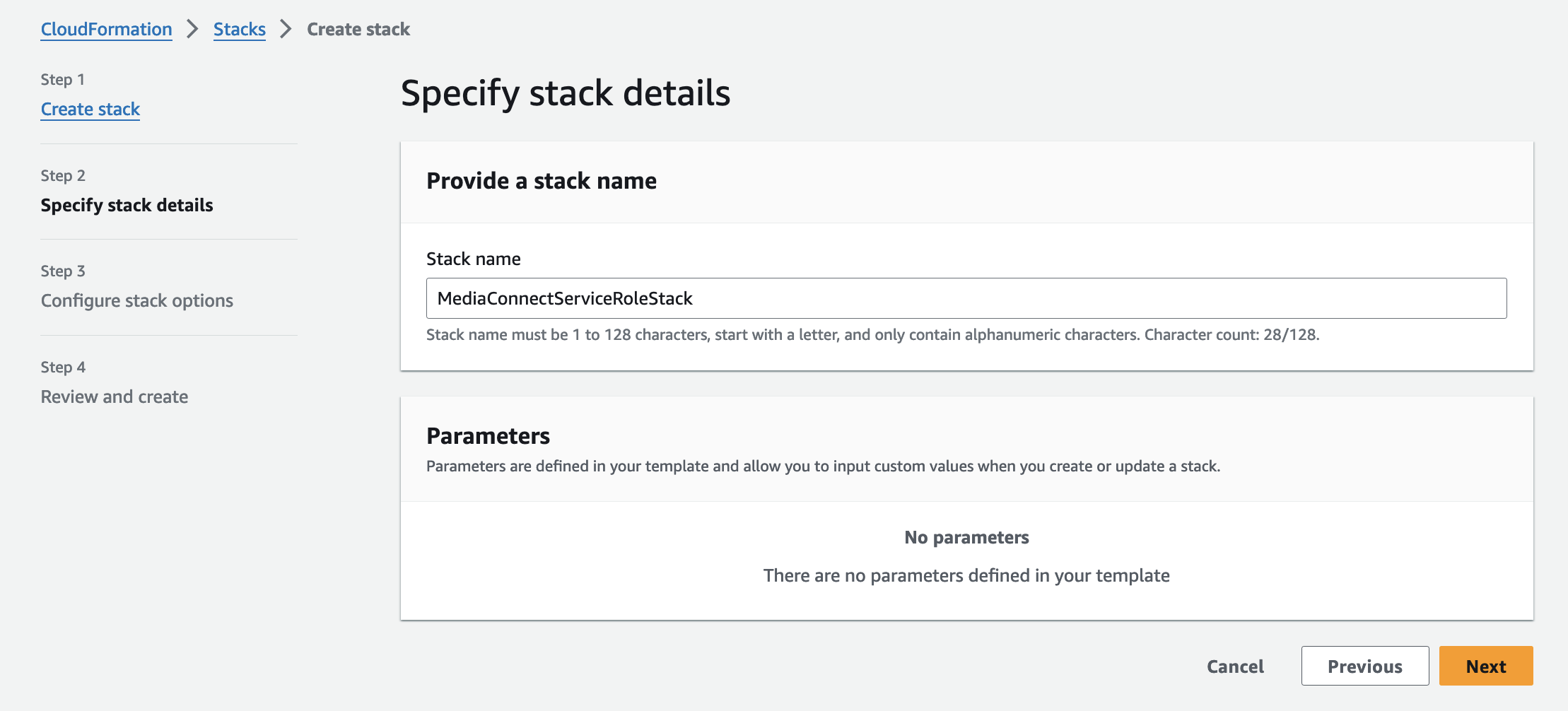
-
Click Next on the next page.

-
Acknowledge that this CloudFormation Stack will create an IAM Role with a custom name, in this case
MediaConnectServiceRoleand click Submit.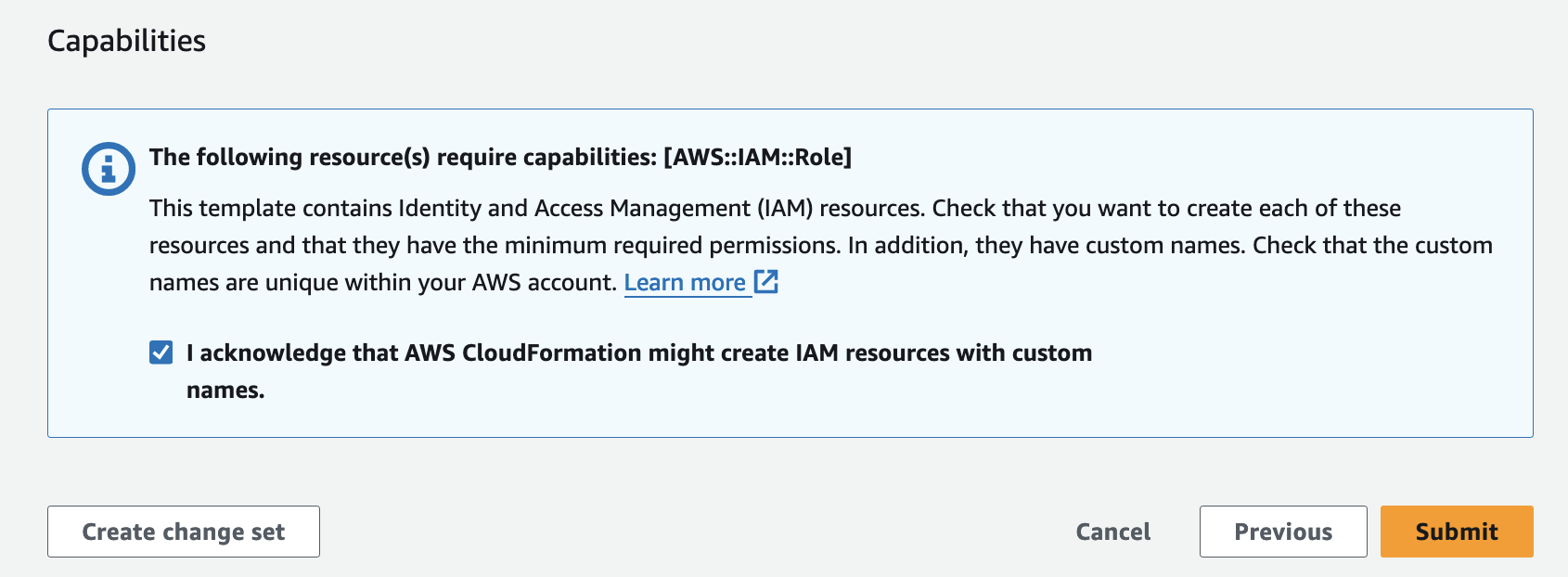
-
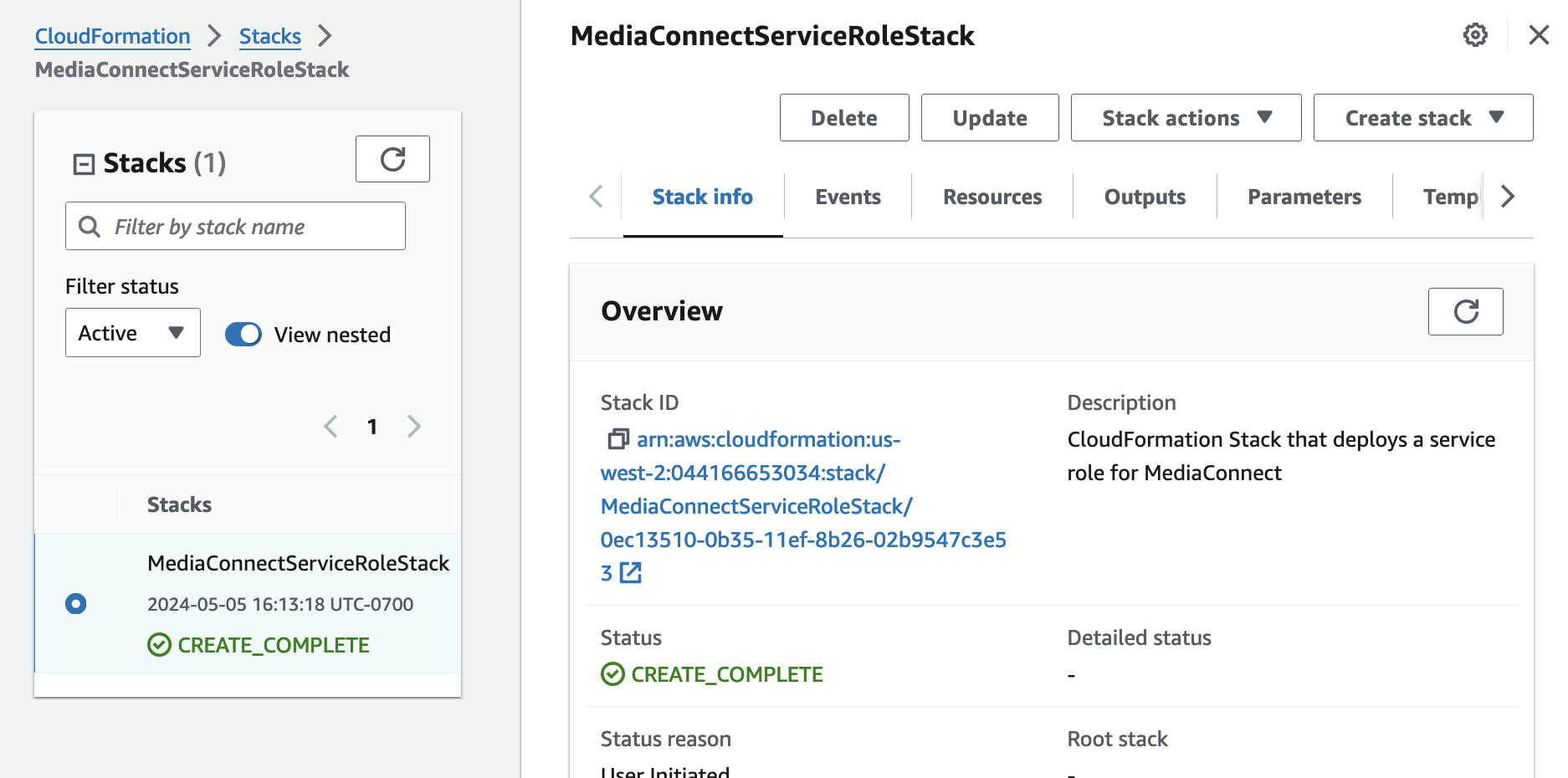
Wait for the MediaConnectServiceRoleStack to be in the CREATE_COMPLETE status.