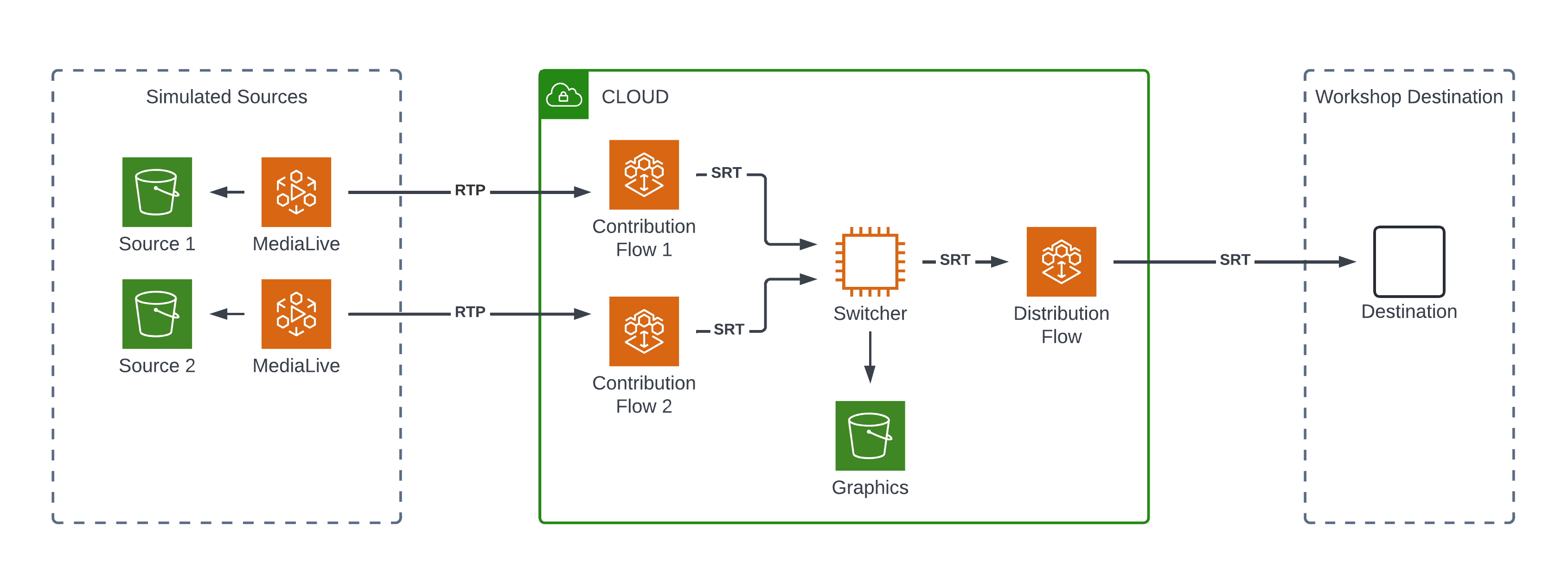
Step 7. Switch Between Contribution Sources
-
Return to Switcher Web Control
Enter the following connection string.
ws://{switcher-public-ip-address}:4455whereswitcher-public-ip-addressis the Public IP address of your switcher EC2 Instance.Enter
OnlySecretas the password.Click Connect
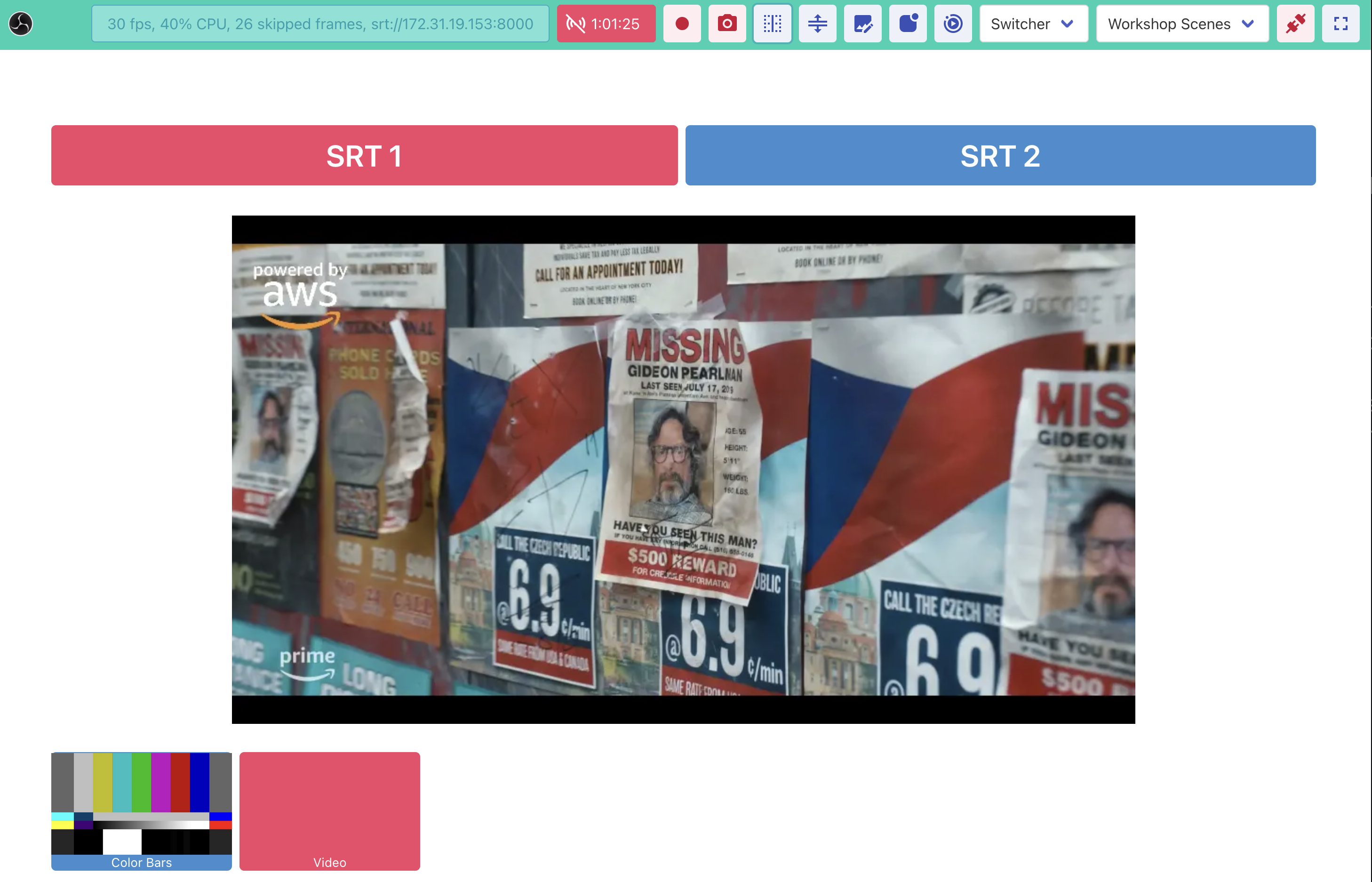
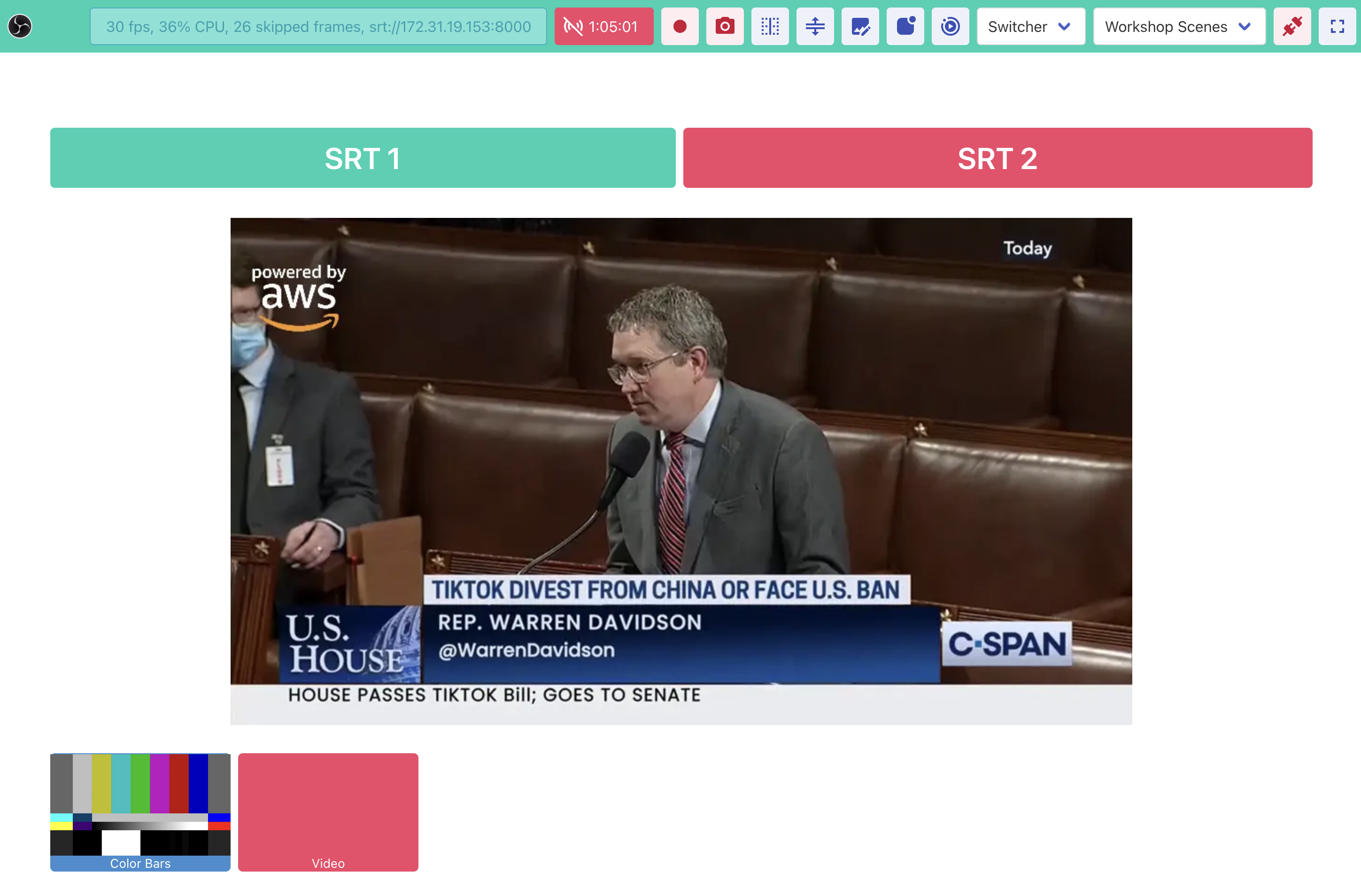
You will see the following interface.
-
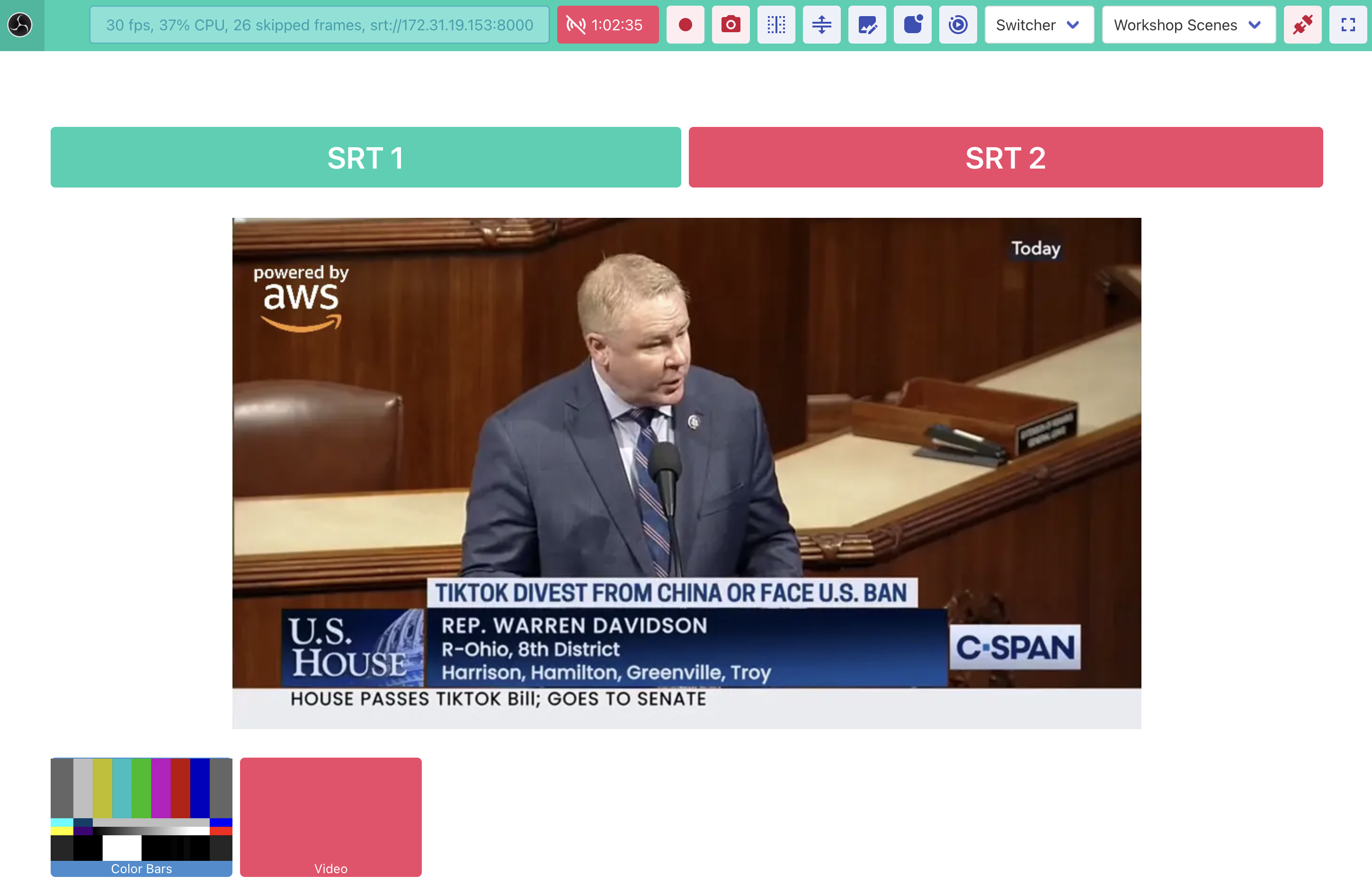
You can click on SRT1 or SRT2 to switch between sources.
-
You can click on Color Bars to send color bars through program out.
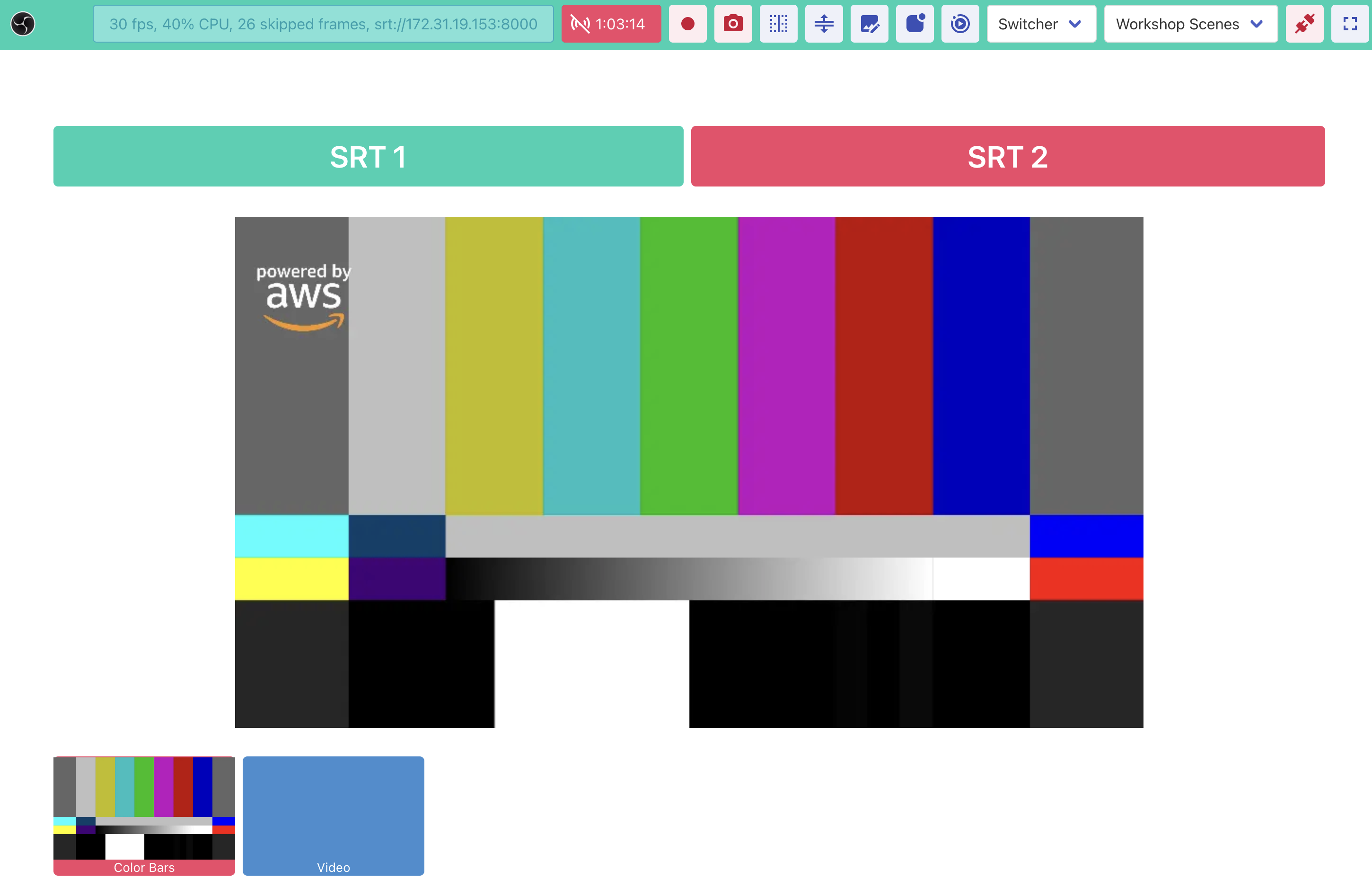
You can click on Video to revert to sending out video through program out.
-
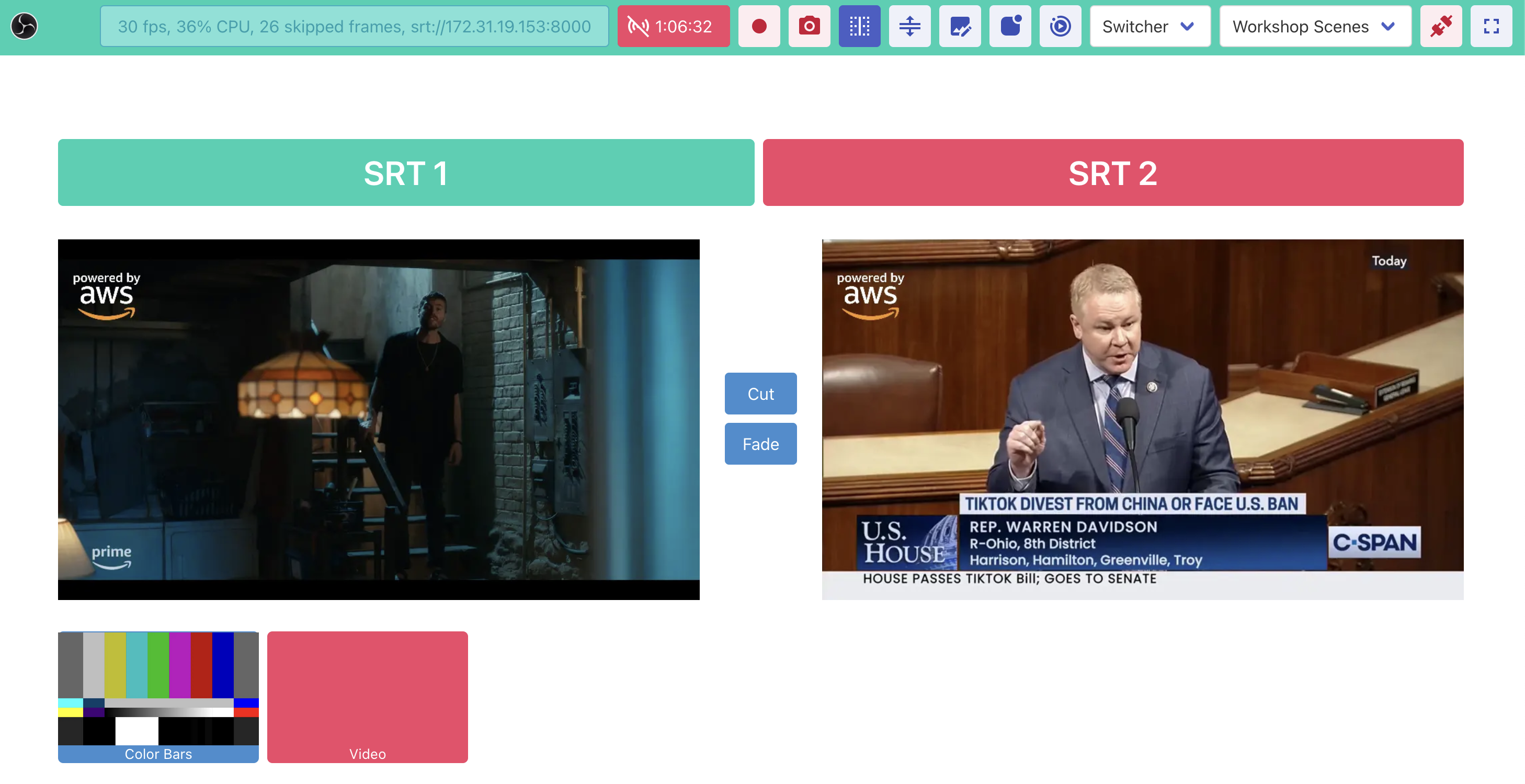
You can also click on Toggle Studio Mode to use a studio mode interface with cut and fade buttons.

Congratulations, you have now completed the full signal path for the live cloud production lab.
You may now continue to the next workshop to distribute this program to another region.